
Tips, Tricks & Tutorials
Gain access to a library of short video tutorials and product tips to enhance your Adobe expertise. From mastering Photoshop to leveraging Acrobat Sign, we’ve got you covered!
Think Acrobat Reader on your phone is just for viewing PDFs? Not with Acrobat Pro.
No laptop? No problem. Acrobat Pro turns your phone into a productivity machine.
Watch Now!
No laptop? No problem. Acrobat Pro turns your phone into a productivity machine.
Making video content but your audio sounds... meh? Here’s what most people don’t know—Adobe now has a Podcast App powered by AI that cleans up your sound in seconds.
Watch Now!
Still typing subtitles by hand? You’re wasting hours—let Premiere Pro do the heavy lifting. With just a few clicks, Speech-to-Text creates clean, synced captions ready to style, export and deliver.
Watch Now!
Acrobat AI Assistant has your back.
With one click, you can: Summarise lengthy PDFs, Translate content (English, French, Spanish, and more!) and Get the facts—fast.
Watch Now!
Need to turn a presentation into a LinkedIn post or an Instagram story? With Magenta SA’s Adobe Express training, you’ll learn how to resize and repurpose your content fast—no headaches, no design do-overs.
Watch Now!
You’re one click away from solving it. In this video, we’ll show you how to convert any scan into an editable, searchable PDF using Adobe Acrobat’s OCR tool—in seconds. Stop retyping text. Start working smarter.
Watch Now!
With Adobe Sign, you can send documents for signature directly—no need to export or email separately. Save time, cut the paper trail, and get your documents signed faster.
Watch Now!
Still wasting time merging shapes the hard way? The Shape Builder Tool in Illustrator is your secret weapon for fast, custom designs—perfect for logos, icons, and creative layouts.
Watch Now!
We’ve rounded up Top Adobe Shortcuts You’ll Wish You Knew Sooner—saving you DAYS of work! This is just the tip of the iceberg.
Watch Now!
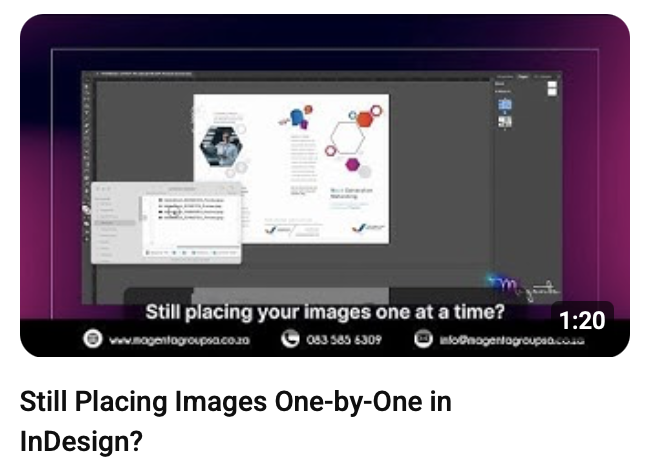
If you're dragging and dropping every single image manually, you're wasting valuable time.
Pro tip: Select multiple images at once and flow them into your layout in the exact order you want—fast, smart, and frustration-free.
Watch Now!
With Multi-Cam Editing in Adobe Premiere Pro, you can transform your webinar or interview footage into dynamic, professional content that actually keeps your audience watching.
Watch Now!
If you're still manually resizing images, setting up page numbers one by one, or formatting text the long way… it’s time to work smarter, not harder!
Watch Now!
Ever taken the perfect shot—only to spot a random car, pole, or signboard ruining the scene? With Adobe Firefly’s Generative Fill, you can erase distractions effortlessly—right from your browser, no advanced editing skills needed!
Watch Now!
The Kirstenbosch Summer Sunset Concerts are all about music, atmosphere, and unforgettable experiences—and now, you can design a professional concert program to match the vibe!
Watch Now!
Tired of messy files, endless email chains, and uneditable PDFs? ? Adobe Acrobat is your all-in-one solution to work smarter, not harder!
Watch Now!
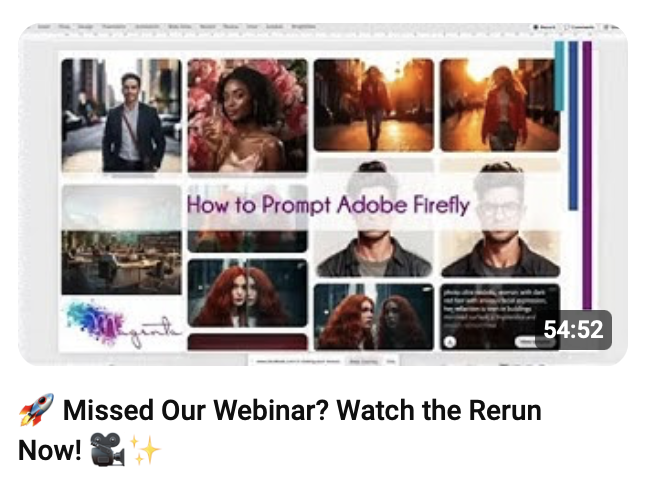
We recently hosted an exclusive webinar on Adobe Firefly’s Text to Image & Text to Video AI tools, and it was packed with game-changing insights for creators!
Watch Now!
Want to create a cinematic masterpiece that stands out? In this tutorial, we’ll show you how to edit a festival-ready video using Adobe Premiere Pro and After Effects. Create professional festival videos like a pro!
Watch Now!
UFC 312 is around the corner, and it’s time to bring the fight night energy to life! ? Create a professional fight poster with Adobe Photoshop, Illustrator, and InDesign in just a few steps.
Watch Now!

Say goodbye to endless email chains and approval delays! With Adobe Sign fully integrated into Microsoft Teams, you can:
Send documents for signature without leaving Teams, Notify stakeholders instantly when a document is signed, and more!
Watch Now!
Fashion Week is the perfect time to bring your creative vision to life! Learn how to design custom patterns in Adobe Illustrator and apply them to clothing in Photoshop to make your designs runway-ready.
Watch Now!
The new Generative Shape Fill feature in Adobe Illustrator allows you to create dynamic, eye-catching designs in seconds. Add unique textures, patterns, and fills to your shapes with just a few clicks—unleashing endless creative possibilities!
Watch Now!
Want to build interactive, step-by-step simulations to train your team or audience? Adobe Captivate makes it easier than ever to create professional, responsive software simulations that captivate and educate.
Watch Now!
With Adobe Express, it’s quick and easy to design professional animated content to elevate your social media game. From moving text to animated graphics, you can customize every detail to match your brand!
Watch Now!
Did you know you can turn your smartphone into a powerful PDF scanner? With Adobe Scan, you can easily capture and convert documents, receipts, and notes into high-quality PDFs anytime, anywhere. Perfect for staying organized on the go!
Watch Now!
Adobe Creative Cloud has everything you need, from retouching photos to creating entirely new compositions using cutting-edge AI-powered tools like Generative Fill, Text to Image, and Content-Aware Fill.
Watch Now!
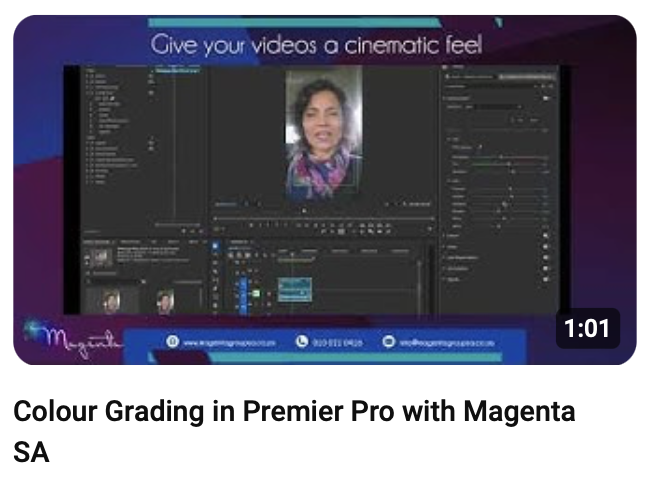
Colour grading is the secret sauce that takes your videos from good to cinematic! Adobe Premiere Pro’s Lumetri Colour Panel gives you all the tools you need to perfect your visuals with ease.
Watch Now!
Adobe Illustrator’s Shape Builder Tool is your go-to feature for creating stunning designs effortlessly. Combine, subtract, and reshape overlapping elements to craft custom logos, intricate icons, and unique patterns.
Watch Now!
Adobe Photoshop’s Content-Aware Fill is your secret weapon for seamless edits. Whether it’s removing distractions from your photos or retouching landscapes, this powerful tool makes it easy!
Watch Now!
Did you know you can turn your smartphone into a powerful PDF scanner? With Adobe Scan, you can easily capture and convert documents, receipts, and notes into high-quality PDFs anytime, anywhere. Perfect for staying organized on the go!
Watch Now!
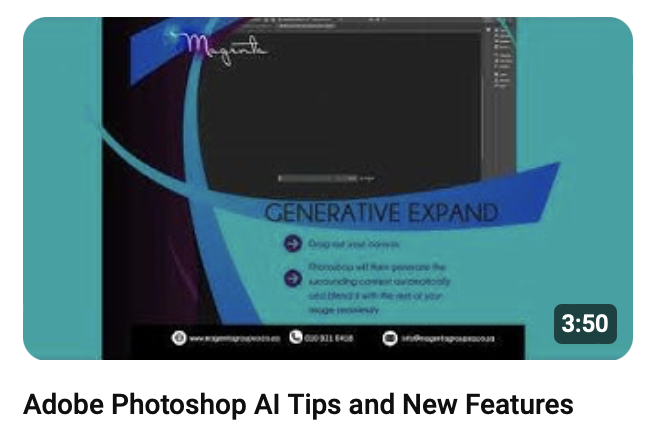
Unlock the power of AI with the latest features in Adobe Photoshop! ? Discover how tools like Generative Fill and Generative Expand can revolutionize your creative process.
Watch Now!
We will be focusing on using Adobe Acrobat Pro's Fill & Sign to sign documents. This will include the advantages and disadvantages of using this signing method.
Watch Now!
An in-depth tutorial on using Adobe's Request E-signature option for signing documents. Looking at the differences in feature functionality between Adobe Acrobat Standard, Acrobat Professional, and the free Reader.
Watch Now!
In this tutorial, we will focus on how to use the Request E-signature feature in Adobe's free PDF Reader. We will cover the limitations of the functionality in Reader versus Adobe Acrobat Standard or Professional.
Watch Now!
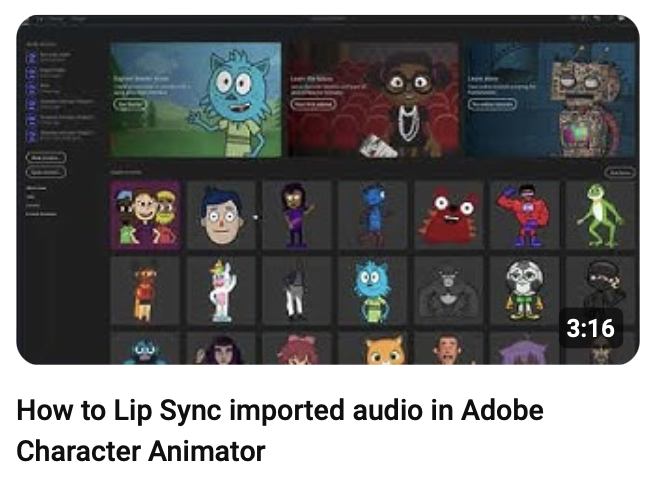
This is a quick tutorial on how to import audio into Adobe Character Animator and then sync it with a puppet then auto-generate the head movements if you did not wish to record them with your camera.
Watch Now!
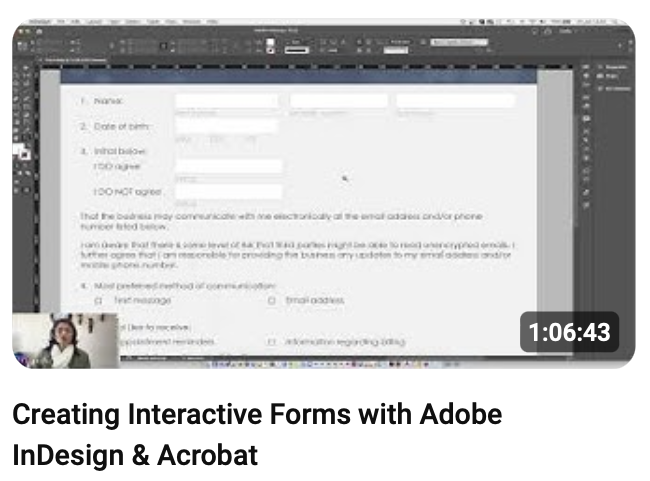
This video shows you how to turn your paper forms into interactive PDF forms using Adobe InDesign and Adobe Acrobat DC Professional as well as distributing the form and collecting the form data and exporting it to a CSV file.
Watch Now!
This is the first webinar in a series and will cover tips and tricks for exporting your digital media graphics from Adobe Photoshop and Adobe Illustrator.
Watch Now!